
Reset Your Password
Request a password reset email for your TrailHUB trail manager account.
#Steps
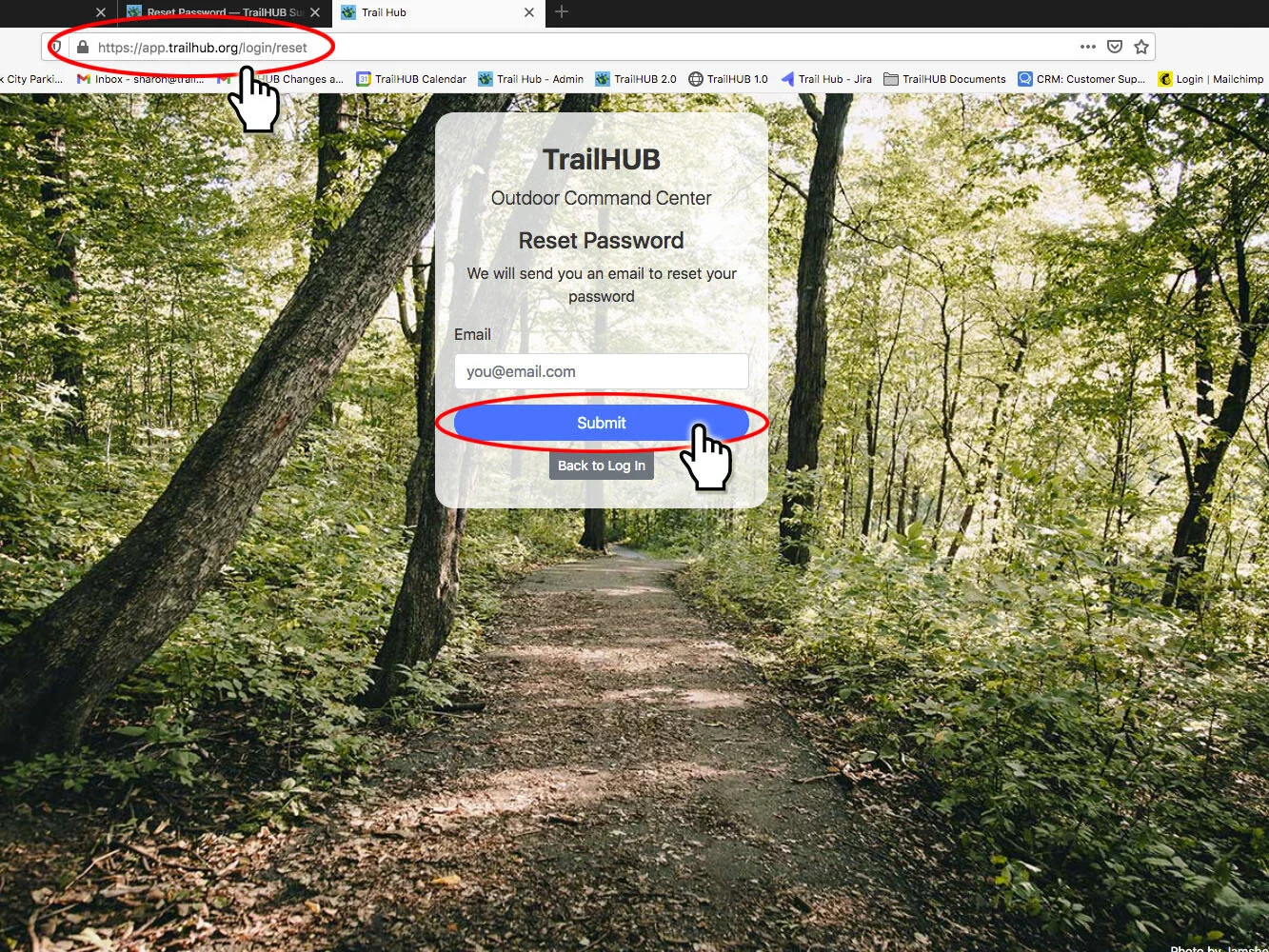
- Go to https://trailhub.org/login/reset, or select Forgot Password on the login page.
- Enter the email address associated with your TrailHUB manager account.
- Select Submit.
- Check your email for a link to reset your password, then return to the login page and sign in with the new password.
If you know your current password and just want to change it, you can do that in User Settings → Details instead.
Public (subscriber) accounts use a separate login at trailhub.org/public-login; see Public user settings.