Subscribe to a Trail System
Subscribe to a trail system from its details panel to receive email or SMS alerts when it posts updates.
When you subscribe to a trail system you receive an email and/or SMS text alert whenever its managers post an update and choose to notify subscribers. Which channel you receive is controlled by your notification settings.
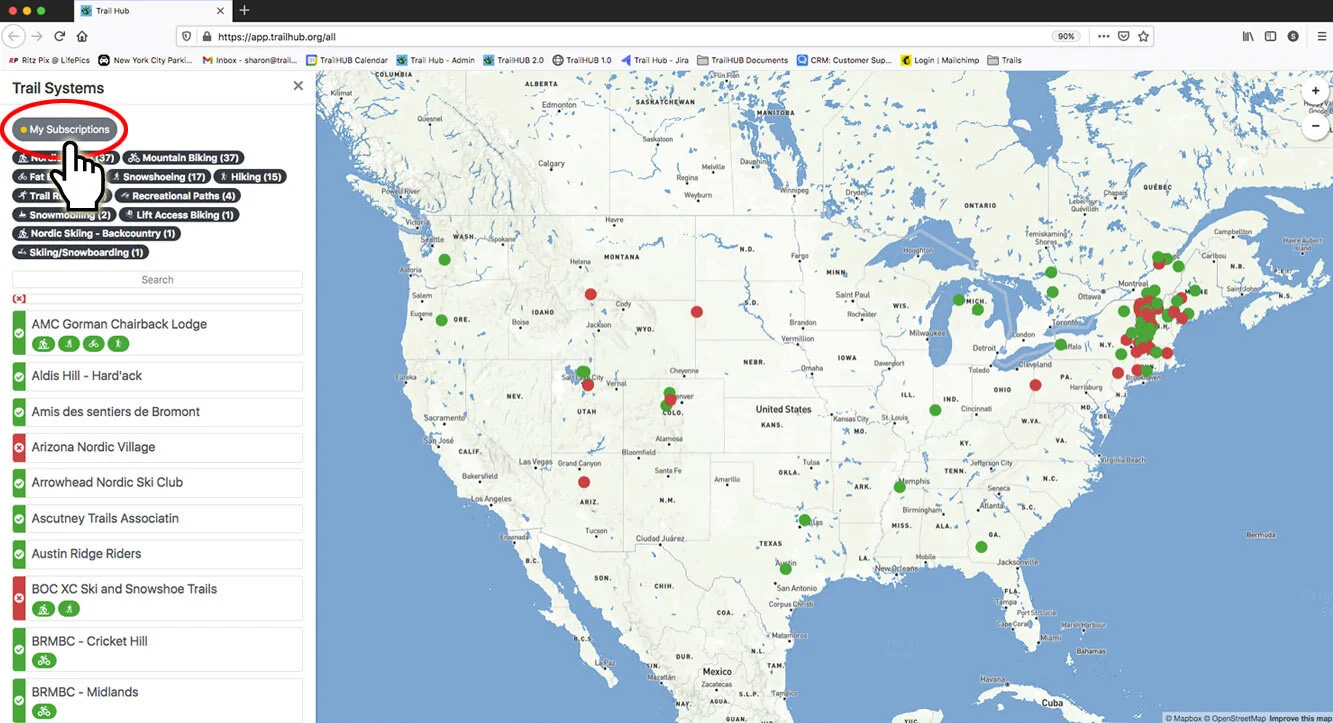
All the trail systems you subscribe to are listed under My Subscriptions in the side panel of the all trail systems map, and in your user settings.
#Subscribe
Sign in to your public account. (You can also start without signing in; TrailHUB asks you to sign in or create an account when you select the subscribe button, then brings you back.)
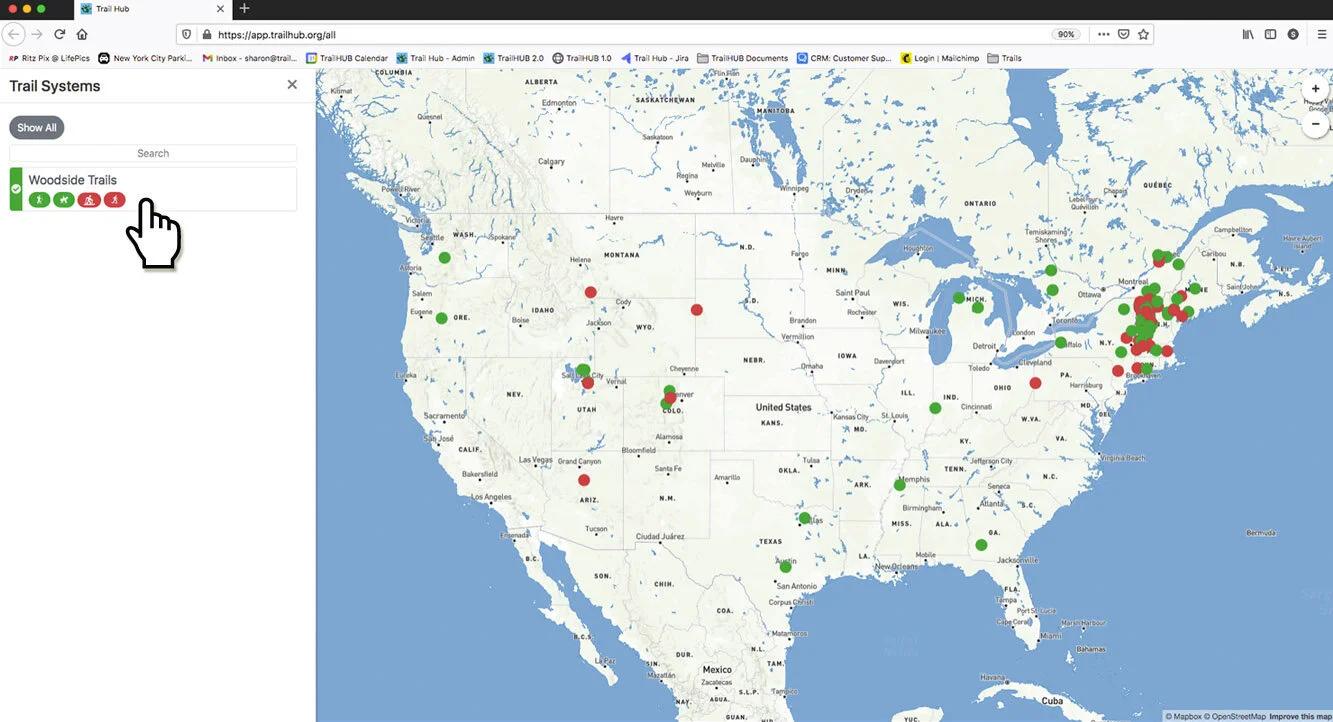
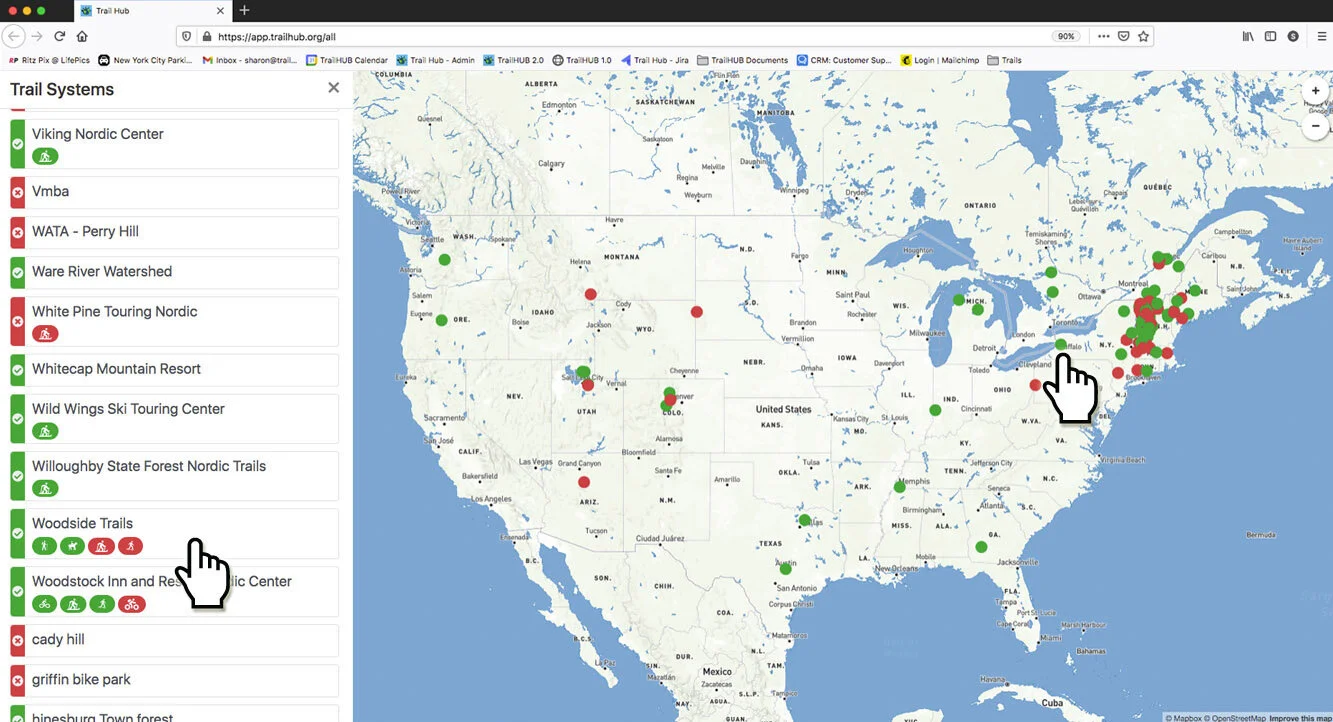
Select the trail system you want from the list or the map. It opens in a new browser tab.
- Close the trails panel by selecting the x in its top right corner.
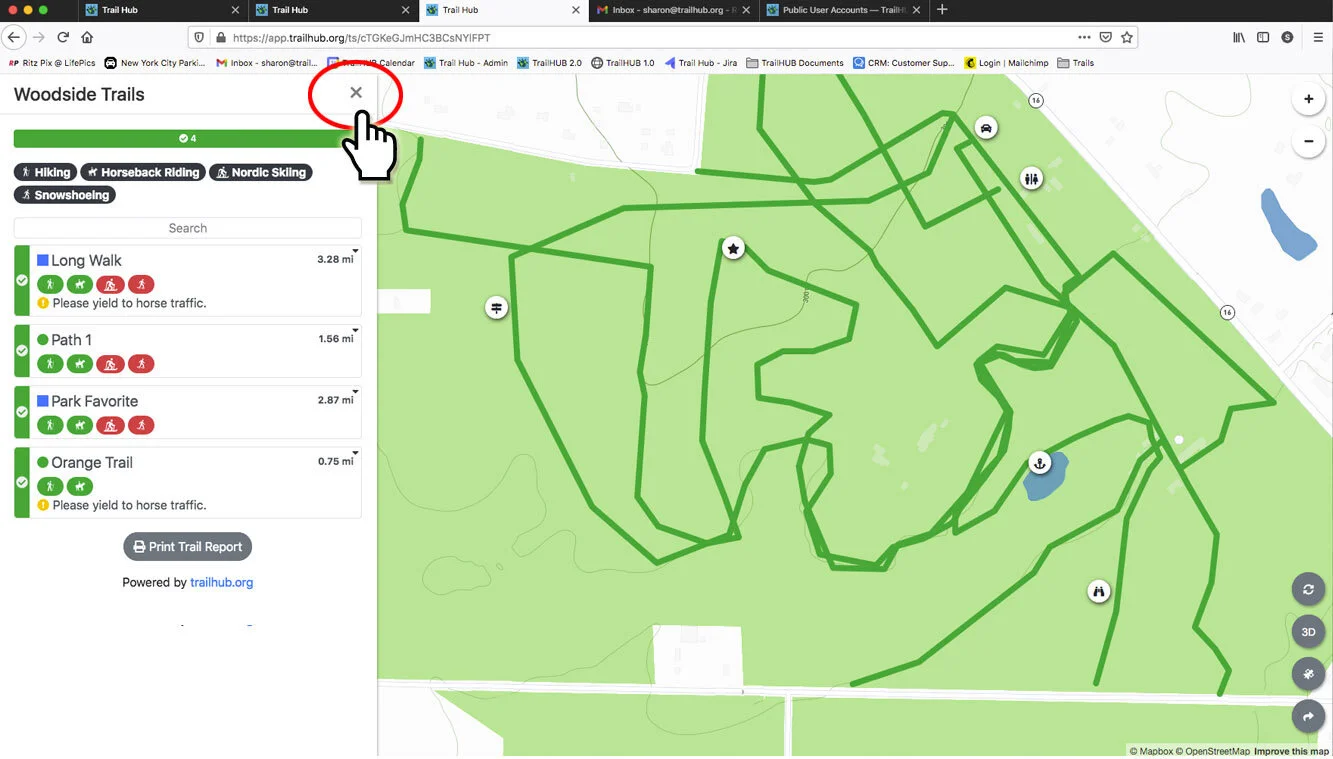
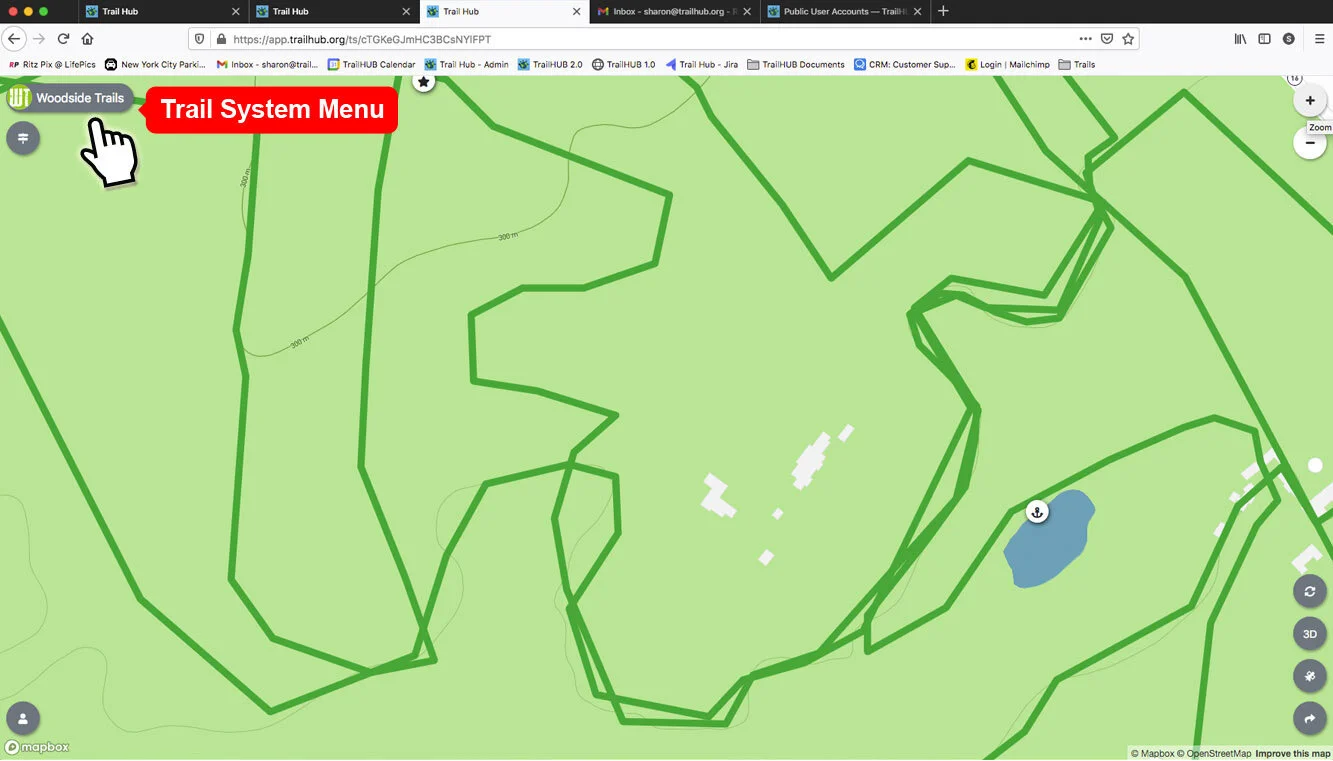
- Select the trail system's name in the upper left to open its details.
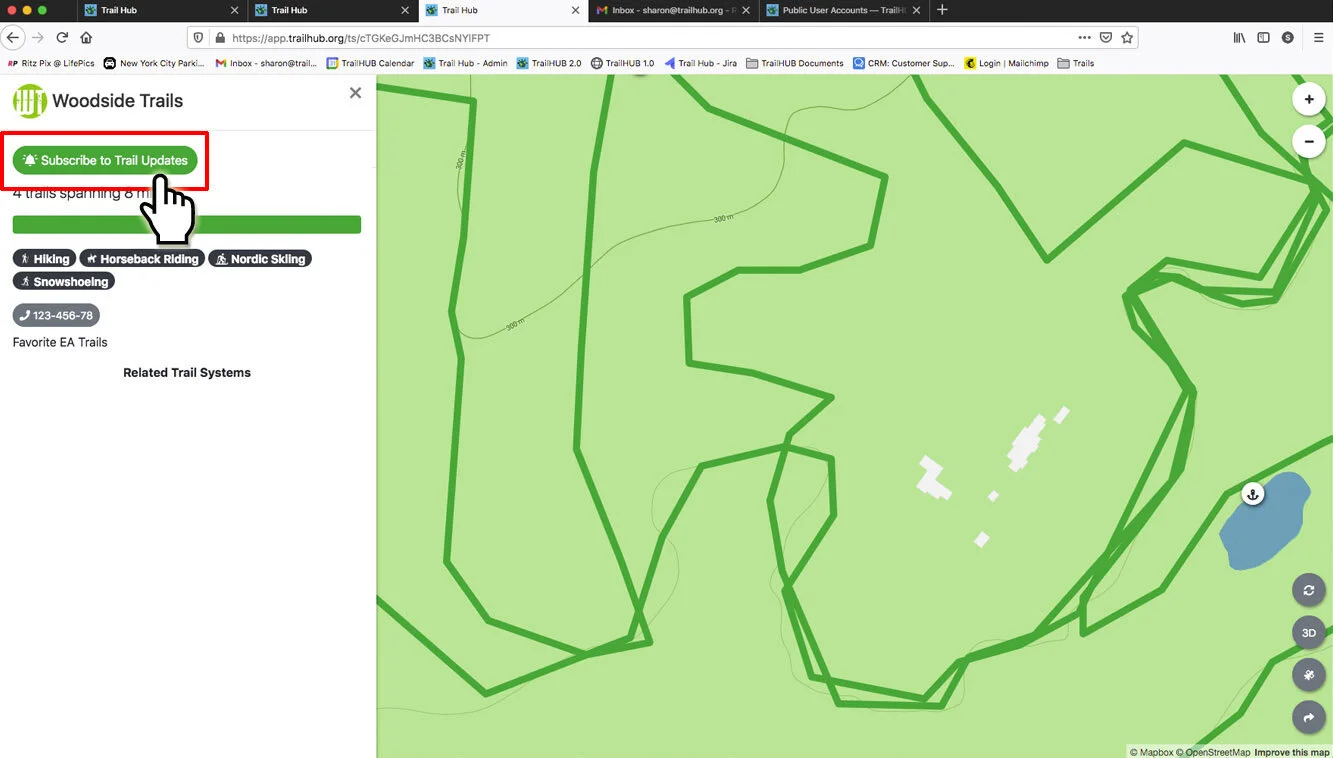
- Select Subscribe to Trail Updates. The button changes to Turn off subscription, which you can use later to unsubscribe.
- Back on the all trail systems map, select My Subscriptions in the side panel. The trail system you just subscribed to is now listed. If it is not, refresh the page.